
Accounts payable looks simple from the outside: an invoice arrives, someone approves it and it gets paid. Inside, it is a chain of small tasks across email, spreadsheets, an accounting system and several people's calendars. Every link in that chain is a place where an invoice can stall, be keyed in wrong or be paid twice.
Accounts payable (AP) automation means using software to handle the repeatable parts of that chain so people spend their time on exceptions and decisions. This guide is the program view: what to automate, what to measure, how to choose a tool, which controls must survive and how to roll it out in 90 days. If you want the technical side of reading invoices with AI, see the companion guide on AI invoice processing for accounts payable. If you want the wider purchasing context, read the procure-to-pay process.
A note before you start: payment, tax and audit obligations differ by company and country. Treat this guide as an operating plan, and confirm your controls with your accountant or auditor.
Where AP time and risk actually go
Most AP teams lose time in the same six places:
| Stage | What happens | Typical problem |
|---|---|---|
| Capture | Invoices arrive by email, post, portal or PDF | Invoices land in personal inboxes and get lost |
| Data entry and coding | Someone keys vendor, amount, date and accounts | Typing errors and inconsistent coding |
| Matching | Invoice is compared with order and receipt | Mismatches and missing receipts stall payment |
| Approval | The right person approves | Approvers are slow, away or unclear |
| Payment | Payment is scheduled and released | Early or late payment, duplicates, wrong details |
| Reconciliation | Payments are matched in the books | Differences found late, at month-end |
Automation works best where a stage is repetitive, follows clear rules and can be checked. It works worst where a stage depends on judgment or on information nobody has written down.
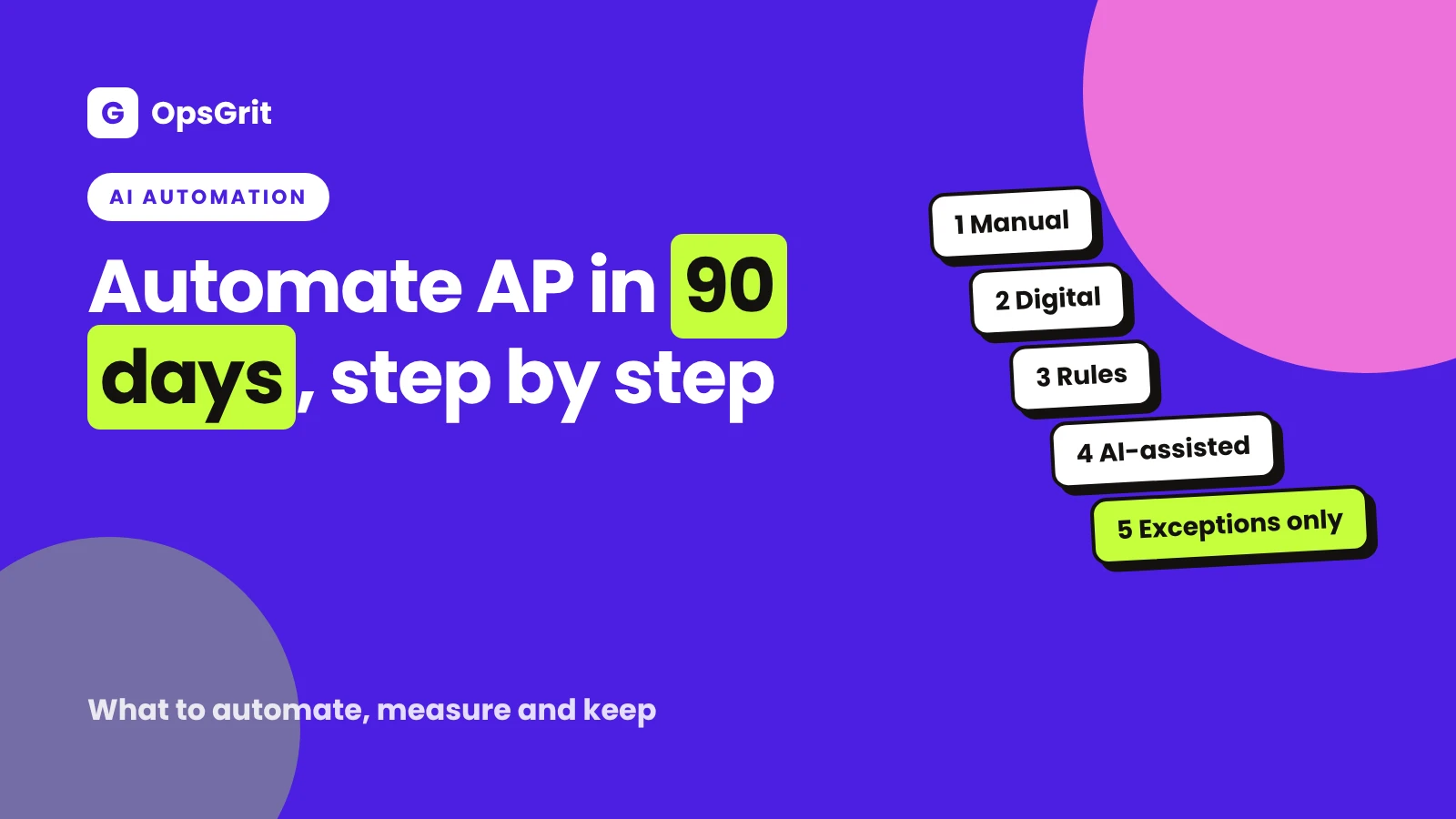
The automation ladder: where are you now?
Think of AP automation as a ladder. Most teams do not need the top rung. They need the next one.
- Manual. Paper or email, spreadsheets, approvals by forwarded message.
- Digital. Invoices go to one inbox or portal, and approvals happen in a tool.
- Rule-based. Invoices are routed and matched by rules: amount, supplier, department, tolerance.
- AI-assisted. Software reads invoices in varied formats and suggests coding, with a person checking low-confidence items.
- Exception-based. Most invoices pass through with no human touch, and people only see the ones that fail checks.
Climbing one rung at a time is safer and cheaper than jumping to the top. Each rung produces documentation, clean data and habits that the next one needs.
Step 1: Measure your baseline before you buy anything
You cannot show that automation helped if you do not know where you started. Measure these five things for a typical month.
| Metric | How to measure | Why it matters |
|---|---|---|
| Cost per invoice | (AP team time cost + software + overhead) divided by invoices processed | Shows the full cost of the process |
| Cycle time | Days from invoice received to paid | Shows delays and late-payment risk |
| Exception rate | Share of invoices that needed manual fixing or follow-up | Shows how clean the process is |
| Touchless rate | Share of invoices that passed with no human handling | Shows how far automation can go |
| Errors and duplicates | Duplicate or wrong payments found, and late fees paid | Shows risk and the cost of mistakes |
Be careful with outside benchmarks. Figures from vendors and surveys depend on company size, industry and how they define a "cost per invoice". Use your own numbers, measured the same way before and after.
A worked example (illustrative)
Imagine an AP team that processes 1,200 invoices a month. Suppose AP staff time costs $9,000 a month in total, software and overhead add $1,000, so the monthly cost is $10,000. Divide by 1,200 and the cost per invoice is about $8.33. After automating capture and matching, suppose the team handles the same volume with $7,000 of staff time and $1,800 of software and overhead, so the monthly cost is $8,800 and the cost per invoice is about $7.33.
These numbers are invented to show the method. Your own figures could be very different. What matters is that you measure the same way before and after, and include the cost of the tool, its setup and the time spent maintaining it. The automation ROI calculator can do the arithmetic with your inputs.
Free tool
Automation ROI calculatorTurn your invoice volume and handling time into hours saved, monthly savings and payback time using your own numbers.
Step 2: Decide what to automate first
Rank each stage by how often it happens, how stable it is and how easy it is to check.
| Candidate | Automate? | Notes |
|---|---|---|
| Collect invoices into one place | Yes, first | A single inbox or portal fixes most "lost invoice" problems |
| Capture invoice data | Yes | Reading PDFs and emails; keep a review step for low-confidence reads |
| Duplicate detection | Yes | Check supplier plus invoice number, and supplier plus amount plus date |
| Matching to order and receipt | Yes, within tolerance | Send every mismatch to an exceptions queue |
| Approval routing and reminders | Yes | Route by amount and department; remind and escalate after a set time |
| Payment scheduling | Yes | Pay on the due date; release the run after review |
| Coding suggestions | With review | Let the software suggest, and let a person confirm until accuracy is proven |
| New supplier setup | Partly | Automate the form and checks; keep a person in charge of bank detail verification |
| Disputes and exceptions | No | These need judgment and conversation |
If you are unsure whether a process is ready, the automation readiness scorecard gives you a quick check. For a deeper method, see what to automate first.
Step 3: Keep the controls that protect the money
Automation speeds up a process. If the controls are weak, it speeds up the mistakes too. These controls should survive and, ideally, become stronger.
- Approval limits written down and enforced by the system, not by habit. See invoice approval thresholds and controls.
- Authorization before payment. A purchase order or another recorded approval for the purchase.
- A match between order, receipt and invoice within a tolerance you choose, with every mismatch reviewed. See three-way match exceptions.
- Duplicate checks before every payment run.
- Independent verification of bank detail changes. The FBI's Internet Crime Complaint Center describes business email compromise as a scam in which criminals use compromised or spoofed email to redirect legitimate payments, and recommends verifying requests to change account or payment details through a separate channel. Call a number you already hold on file, not one in the request, and record who confirmed.
- Separation of duties. The person who sets up suppliers, the person who approves invoices and the person who releases payments should not all be the same person. In a small team, add a periodic review by the owner or an outside accountant.
- An audit trail. The system should show who did what and when, including changes and approvals.
Automation should never make bank detail changes easier to push through. It should make them harder to do without a check.
Step 4: Choose the tool with a checklist, not a demo
Demos show the best case. A checklist shows the fit. Score each option from 1 to 5 against criteria that matter to you.
| Criterion | Questions to ask |
|---|---|
| Integration | Does it connect to your accounting or ERP system, and how? Which fields sync in each direction? |
| Capture quality | How does it handle your real invoices, including poor scans and unusual layouts? Test with your own samples |
| Matching and tolerances | Can you set tolerances by supplier or amount? How are exceptions routed? |
| Approvals | Can you model your approval limits, delegates and out-of-office cover? |
| Controls and audit trail | Is there a clear log? Can you separate duties by role? |
| Supplier experience | How do suppliers submit invoices and check status? |
| Security and data | Where is data stored, who can access it, and what happens to it if you leave? See vendor review questions for business data |
| Cost model | Per invoice, per user or per volume tier? What are setup and support costs? |
| Exit | Can you export your data and approvals if you change tools? |
Test with a sample of your own invoices, including the ugly ones, and compare the results with your known answers. How to evaluate an AI workflow explains how to build that test set. If you are weighing a custom build against a product, see build vs buy for operations software.
Step 5: A 90-day rollout plan
Days 1 to 30: Map and measure.
- Write down how an invoice really flows today, including the workarounds.
- Measure the five baseline metrics.
- Clean your supplier list: duplicates, missing tax details and unverified bank information.
- Pick the first scope: for example, your 20 highest-volume suppliers with a purchase order.
Days 31 to 60: Pilot.
- Configure capture, matching and routing for the pilot group only.
- Run in parallel with the old process for the first cycle so you can compare results.
- Review every exception and write down the cause. Each cause is either a rule to change or a supplier to coach.
- Train approvers on what they will see and how long they have to respond.
Days 61 to 90: Expand and review.
- Add more suppliers in groups, not all at once.
- Re-measure the five metrics and compare with the baseline.
- Document the new process as an SOP so it survives staff changes. SOP examples shows the level of detail to aim for.
- Set a monthly review of exceptions, tolerance settings and error cases.
At day 90, decide with evidence: expand, adjust or stop. Stopping a pilot that does not work is a good result, not a failure.
What can go wrong
- Automating a messy process. If invoices have no owner and approvals are unclear, software will not fix it. Document and simplify first.
- Dirty supplier data. Duplicate supplier records and missing fields cause failed matches. Clean the master data before you start.
- Tolerances that are too loose. A wide tolerance lets small errors through every time. Start tight and loosen with evidence.
- Approvals that still happen outside the system. If people approve by email, the audit trail has gaps. Make the system the only route.
- Ignoring suppliers. If suppliers keep sending invoices to personal inboxes, capture fails. Tell them the new address and process.
- No owner. Give the automation a named owner who watches exceptions and decides when to change the rules.
- Counting only the licence. Include setup, training, maintenance and the time to review exceptions in your cost.
- Treating AI as magic. AI reading of invoices is useful but imperfect. Keep a check on low-confidence results and sample the high-confidence ones.
Close the loop with month-end
Clean AP data makes the month-end close faster and calmer, because accruals, reconciliations and review depend on invoices being complete and coded on time. See the month-end close checklist for the downstream steps.
Key takeaways
- AP automation is a program, not a purchase. Start with a baseline, then automate in steps.
- Measure cost per invoice, cycle time, exception rate, touchless rate and errors, using your own numbers, before and after.
- Automate the frequent, stable, rule-based steps first: capture, duplicate checks, matching, routing and payment scheduling.
- Keep people in charge of exceptions, new suppliers and any change to bank details, and verify those changes through an independent channel.
- Choose tools with a checklist and a test of your own invoices, not a demo.
- Roll out in 90 days: map and measure, pilot with a small group, then expand and review.
Sources and further reading
These are the official pages behind the factual statements in this guide. Rules, limits and pricing change, so confirm on the source before you act. Written by Sam at OpsGrit with AI assistance and an automated editorial review. If you spot something wrong, tell us.
- FBI Internet Crime Complaint Center: Business Email Compromise PSA. Describes business email compromise and recommends verifying account or payment detail changes through a separate channel.
- COSO: Internal Control, Integrated Framework. Describes the purpose of a widely used internal control framework, useful background for approvals and separation of duties.